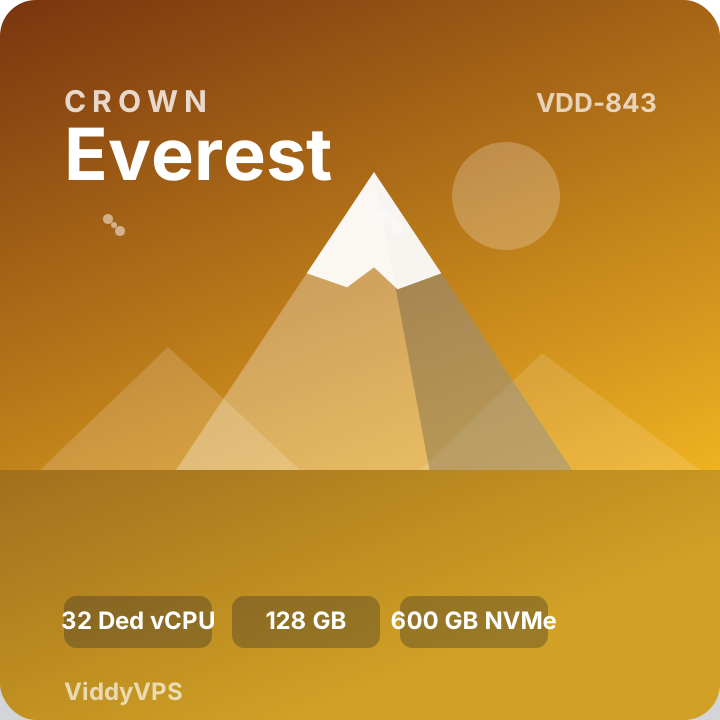
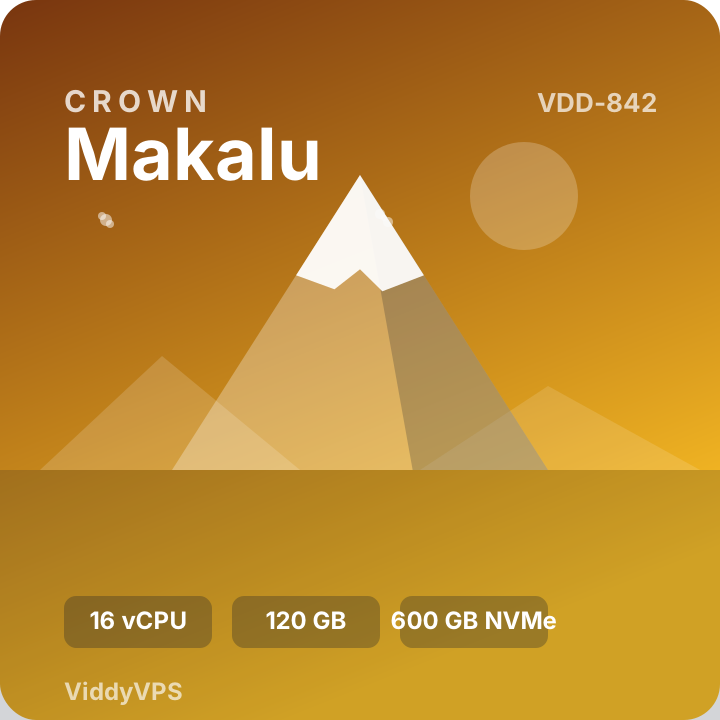
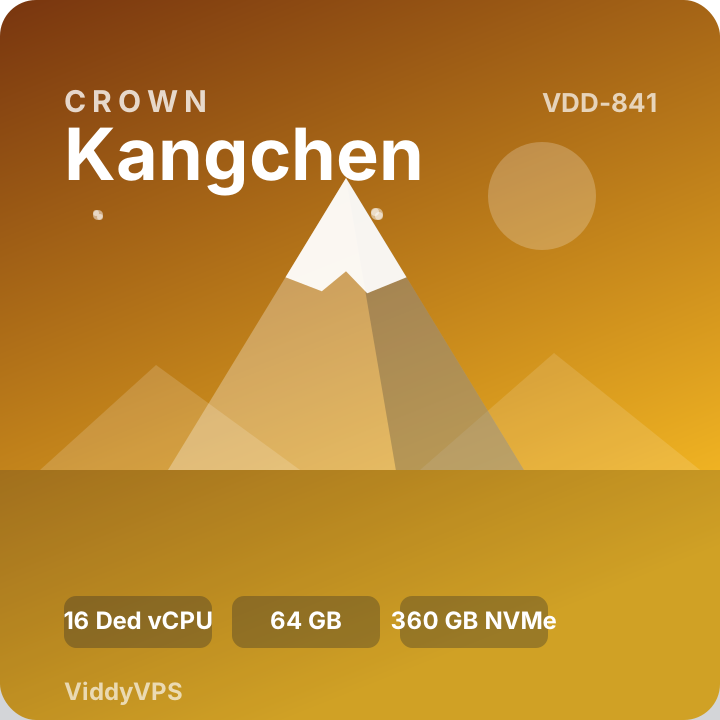
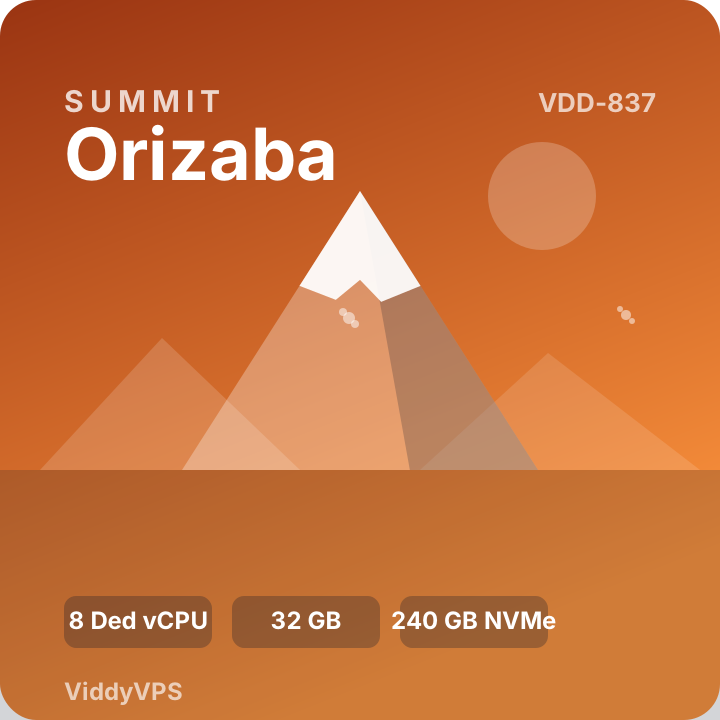
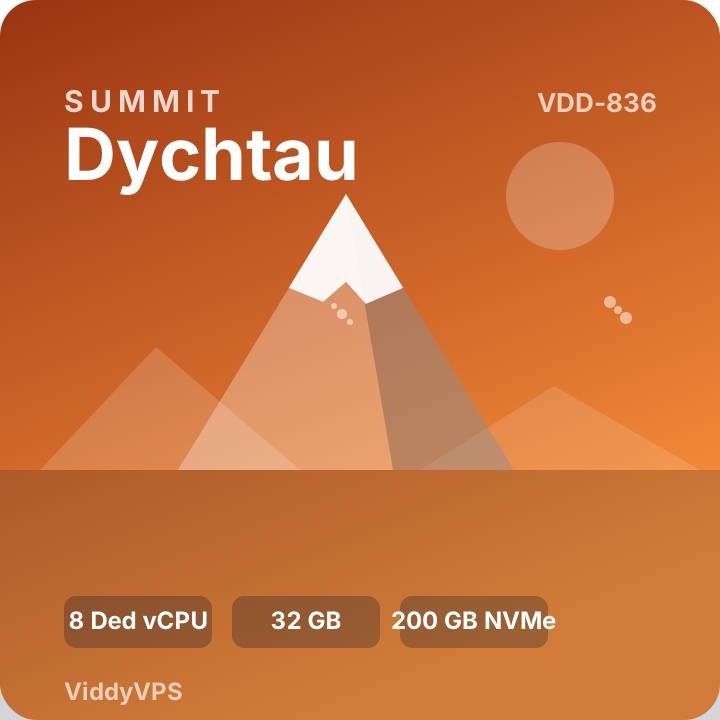
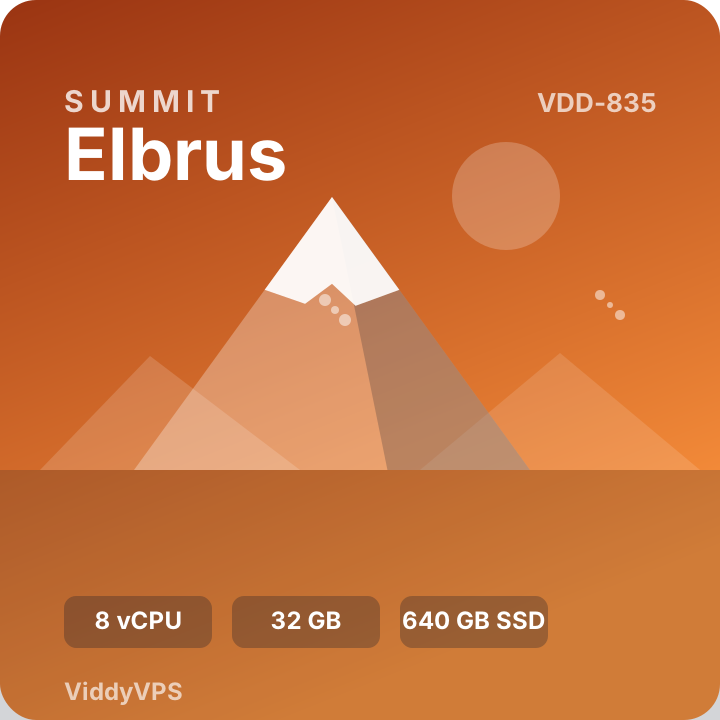
Current pricing, resource specifications, billing options and product availability are displayed on each product page and during checkout.
Use Cases
One VPS, Many Possibilities
Choose a configuration that fits your application and manage your environment around your own technical requirements.
01
Websites and E-commerce
Run websites, content management systems, online stores and other web workloads in a dedicated virtual server environment.
02
Applications and APIs
Deploy application backends, API services, test environments and custom web projects according to your software requirements.
03
Development and Testing
Create isolated environments for development, staging, testing and experimentation without relying on your local computer alone.
04
AI Tools and Automation
Explore self-hosted automation tools, supported AI applications and background tasks when the selected configuration meets their requirements.
05
Databases and Services
Host compatible databases, internal services and supporting components with appropriate resource planning and security settings.
06
Custom Projects
Use a virtual server for other permitted workloads that fit the selected operating system, resource limits and acceptable use policy.
Your Environment
Build Around Your Preferred Software
Choose compatible software and configure your server for the needs of your project. Availability of operating systems and installation methods depends on the product offered.
These are examples of technologies commonly used on VPS environments, not a guarantee that every application is pre-installed.
Ubuntu
Debian
AlmaLinux
Docker
Node.js
Python
WordPress
Nginx
Flexible Infrastructure
Choose Resources for Your Workload
Every project has different requirements. Consider CPU, memory, storage, network transfer, operating system compatibility and expected traffic before selecting a VPS.
Match resources to your application's needs
Review included storage and transfer limits
Check operating system options on the product page
Plan backups and server security for your workload
Before You Order
Review the Details
Product pages provide the applicable configuration and purchase details for each available VPS plan.
Follow the product and order instructions to get started with your selected configuration.
01
Select a Plan
Compare the available VPS products and choose the configuration that matches your technical needs.
02
Complete Checkout
Review your selected product, billing details and the payment options shown during checkout.
03
Follow Delivery Instructions
Check the order email and delivery instructions for the next steps applicable to your purchase.
Frequently Asked Questions
VPS Hosting FAQs
Learn the basics before choosing your server.
What is a VPS?
A Virtual Private Server is a virtualized server environment with allocated resources for running websites, applications, development tools and other compatible workloads.
How do I choose the right VPS plan?
Compare CPU, RAM, storage, network transfer, operating system options and price. Choose a configuration that meets your software requirements and expected workload.
Which operating systems are available?
Operating system options depend on the individual product. Review the selected product page for the currently available choices before placing your order.
Will my VPS include pre-installed software?
Do not assume a particular application is pre-installed unless the product description or delivery instructions explicitly confirm it. Consult the product details for the applicable setup information.
How much does a ViddyVPS plan cost?
Prices and billing periods vary by product. Check the current price shown on the product page and confirm the order total during checkout.
How will I receive my VPS details?
Refer to the Delivery Policy and the instructions sent for your order. Check your inbox and spam folder for order-related messages.
Is VPS management included?
Management and support scope can vary. Review the product description and applicable support information to understand what is included with your selected plan.
Where can I find help with setup?
Visit the Tutorials page for available guides. For order-related questions, use the Contact page.
Resources and Policies
Useful Information
Review the relevant guides and policies before ordering and configuring your server.
We use cookies to improve your browsing experience, analyze website traffic,
and support essential website functions. By clicking “Accept All”, you agree
to our use of cookies. Read our
Cookie Policy.